
Two panes. Keyboard or mouse.
A fast dual-pane file manager for macOS. Work from the keyboard, or simply drag and drop files between panes. Whatever is faster for you, it is one click or one key away.
Requires macOS 14 or later
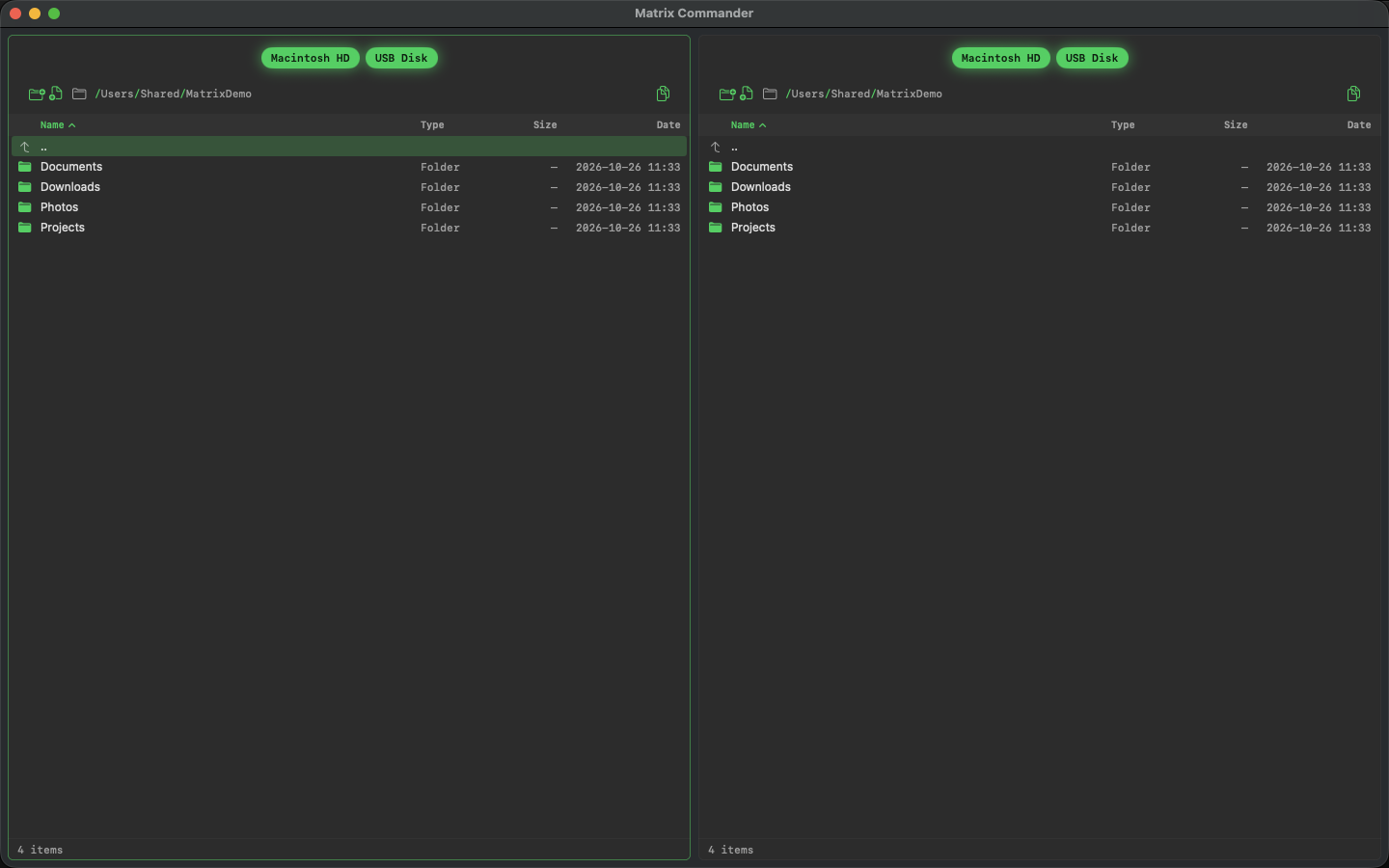
Two panes side by side
Browse two folders at once. Copy, move and compare without switching windows.
Keyboard first
Every action has a key. Move with the arrows, select with Space, copy with F5.
Progress you can see
Large copies show the current file, the total, the speed and the time left, with Cancel.
Private by design
Runs in the App Sandbox. Works only on your Mac and your drives. Nothing is sent anywhere.
Keyboard shortcuts
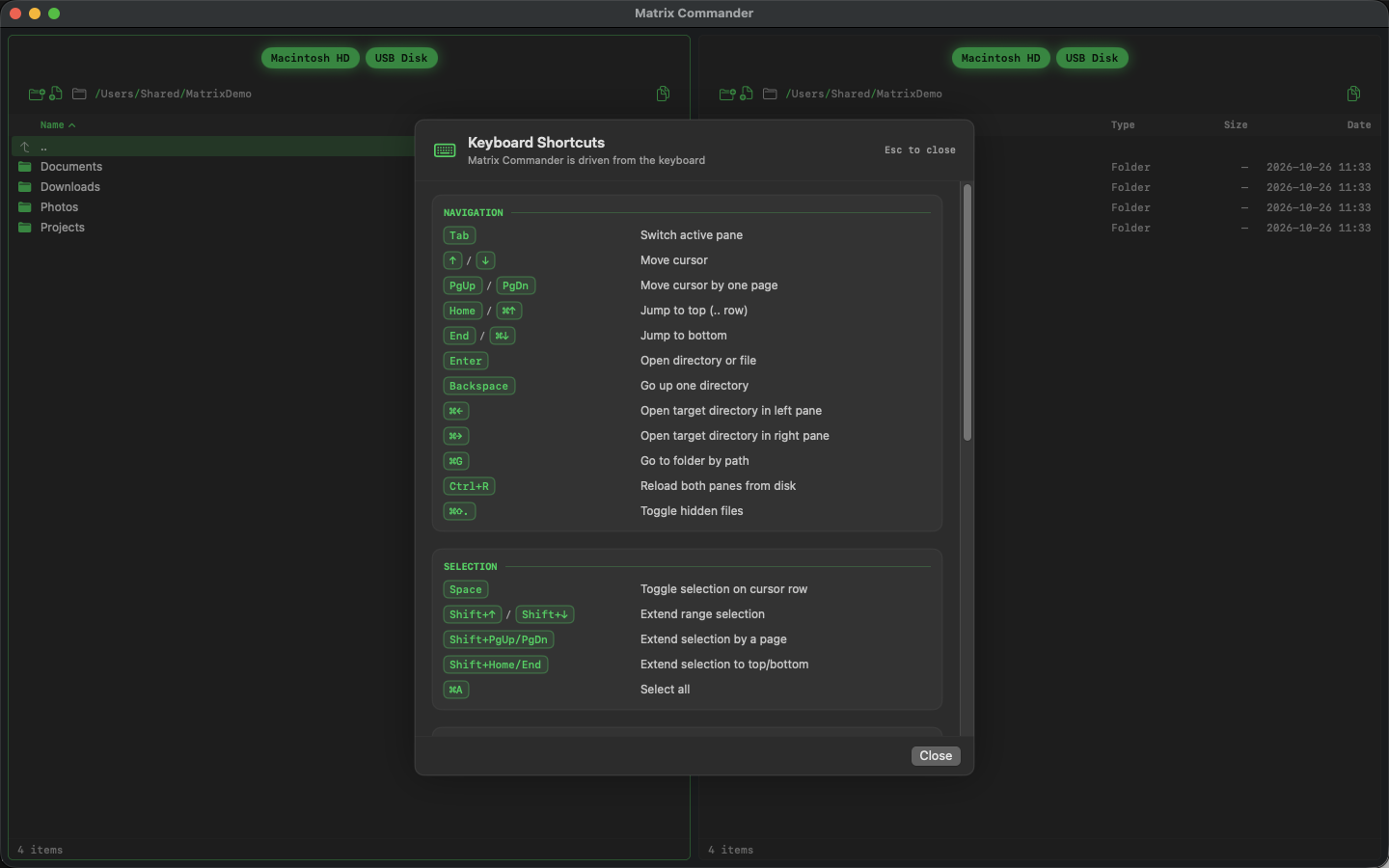
Press ? at any time to see every shortcut.
TabSwitch pane
F5Copy to other pane
F6Move to other pane
⌘GGo to folder by path
?Show all shortcuts
SpaceSelect / deselect
EnterOpen folder or file
F7New folder
Let AI agents work with your files
Works with Claude Code, Cursor and Codex. Ask in plain words, watch the transfer in the app, and the app closes when the job is done.
“Move the biggest file from my Mac to the USB stick.”